


No. The movement intervals are extremely small (1–2 pixels) and infrequent — typically every 30–60 seconds. You won't notice the movement during normal use, and it stops when your real mouse or keyboard is active.



Black
Regular price
$13.99
Regular price
$3.60
Sale price
$13.99
Unit price
per
Stay Active Pro mouse Jiggler
Black
Regular price
$13.99
Regular price
$3.60
Sale price
$13.99
Unit price
per

“Stay Active. Stay Available. Stay Uninterrupted.”
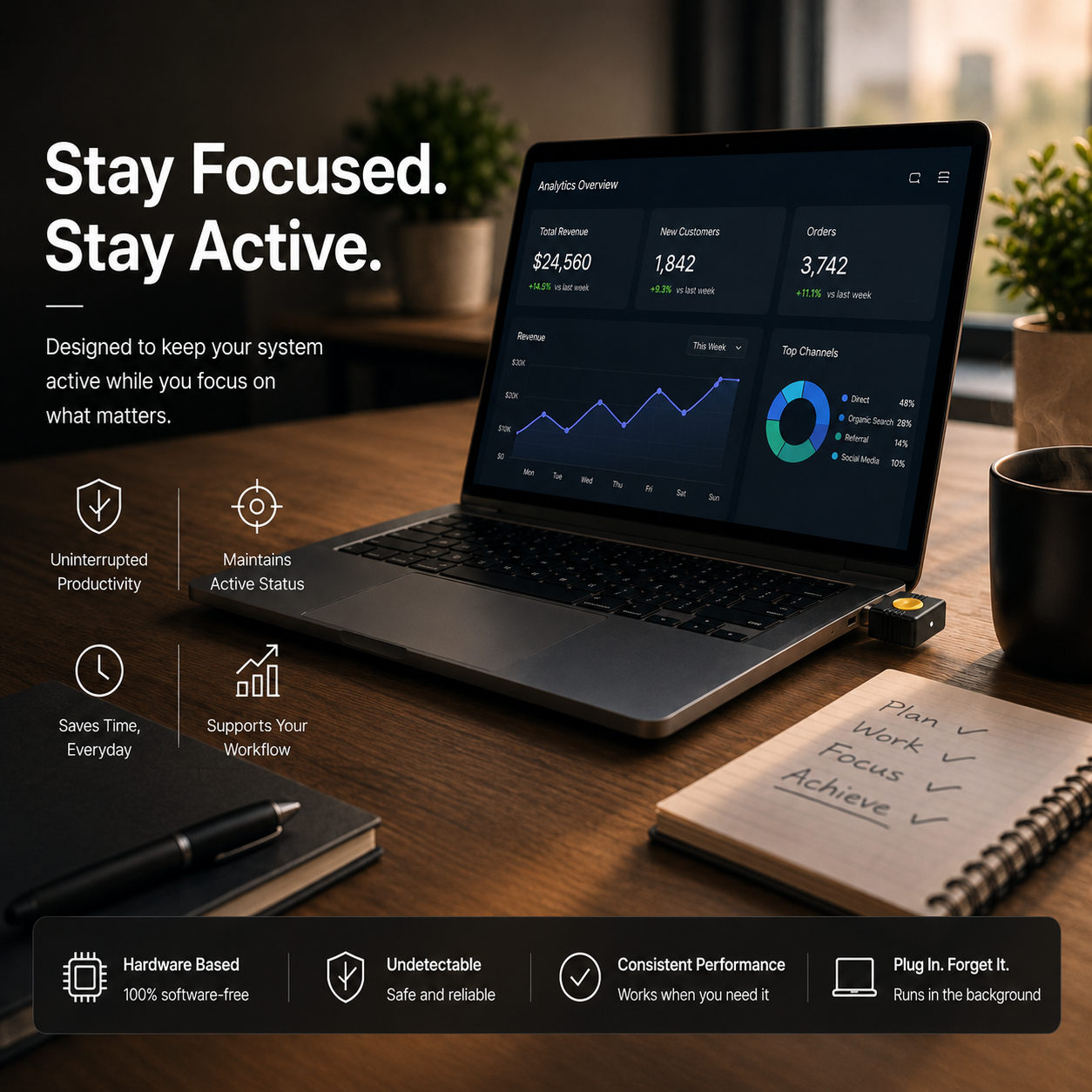
Stay Active Pro Mouse Jiggler keeps your status active on Slack, Teams, Zoom & more -even when you step away.” Screen stays unlocked, and your workflow uninterrupted -without touching your system settings.
Why professionals choose Stay Active Pro jiggler
Instant active status
Your presence indicator stays green in Slack, Teams, Zoom, and all major collaboration platforms — even when you step away.
No software. Ever.
Zero installs, zero admin permissions, zero IT tickets. Nudge works at the hardware level — invisible to your IT department.
Screen stays unlocked
Keep your screen on without changing lock screen timers or power settings. Nudge simulates natural activity to prevent timeouts.
Tiny. Pocket-sized.
At 32mm × 14mm, this disappears behind your laptop or into your bag. It weighs less than a USB drive and ships in minimal packaging.
Stop managing your status. Start managing your work.

Not all jiggler solutions are created equal
Software jiggler apps require IT approval. Browser extensions get blocked by company policy. DIY hacks are fragile. Stay Active Pro just works.
Frequently Asked Questions
Your answer might be here! Find the answers most valued by our customers.
Will it interfere with my actual mouse cursor?
Will it interfere with my actual mouse cursor?
Is Stay Active pro mouse jiggler detectable by my IT department?
Is Stay Active pro mouse jiggler detectable by my IT department?
No,this registers as a standard HID input device — the same category as your keyboard or mouse. It doesn't install any software, doesn't appear in your app list, and doesn't communicate with any external servers. Most IT departments don't flag it.
Does this work with Slack, Teams, and Zoom?
Does this work with Slack, Teams, and Zoom?
Yes. All major collaboration platforms determine your "active" status based on OS-level input activity. Since this operates at that level, it keeps your status green in Slack, Teams, Google Chat, Zoom, Webex, and any other platform.
Can I use it on multiple computers?
Can I use it on multiple computers?
Yes. this is fully plug-and-play — move it between your home setup, office laptop, and travel machine freely. There's no pairing, syncing, or setup required when switching devices.